
Make
When native integrations run out, Make keeps the data moving. We design, build and run the scenarios behind it.
What we deliver
Why we chose Make
We added Make in 2020 because clients needed more than what native integrations could deliver. Make's visual scenario builder lets us design automations that business teams can understand and maintain, while its power handles the most complex data transformations and multi-branch logic we throw at it.
Make is a visual automation platform that connects apps, moves data, and orchestrates complex multi-step processes. With 1,500+ app connectors and a credit-based pricing model, it scales from simple two-app syncs to enterprise-wide automation ecosystems.
See our case studies- Multi-step automation scenario designScenarios that carry data across your tools end to end — built to be read and maintained, not just to run.
- API and webhook integration architectureCustom connections to any system with an API, including the ones without a ready-made Make app.
- Data transformation and mappingFormats, IDs and structures rarely match between systems. We do the mapping so records land clean on the other side.
- Error handling and monitoring setupEvery scenario gets error routes and alerting. When something breaks at 3 a.m., you find out from a notification, not from a customer.
- Enterprise account provisioning (AaaS)Make Enterprise through our reseller agreement — provisioning, seats and billing handled for you.
- Ongoing scenario management and optimizationWe watch usage and operation counts, tune what runs slow, and rebuild what your business has outgrown.
What is Make?
Make is a visual automation platform — you build workflows by connecting apps on a canvas, module by module, and watch the data flow through them. Work that used to need custom code and a developer becomes a diagram your operations team can read.
It ships with over 3,000 ready-made apps, and anything else can be reached through HTTP and webhooks. More than 400,000 organisations run on it — which is why it's our default answer when two systems refuse to talk to each other.
What teams automate with it
Lead routing & CRM
New leads land in the CRM enriched, assigned and followed up — no copy-pasting between the form, the inbox and the pipeline.
Finance & invoicing
Invoices, approvals and reconciliation moving between accounting, banking and ERP systems on schedule, not when someone remembers.
Data synchronisation
Customers, orders and products kept consistent across every tool that stores them — in both directions, without manual exports.
AI workflows
Language-model steps dropped straight into scenarios: classify tickets, summarise documents, draft replies — with your data flowing in and out automatically.

What working in Make looks like

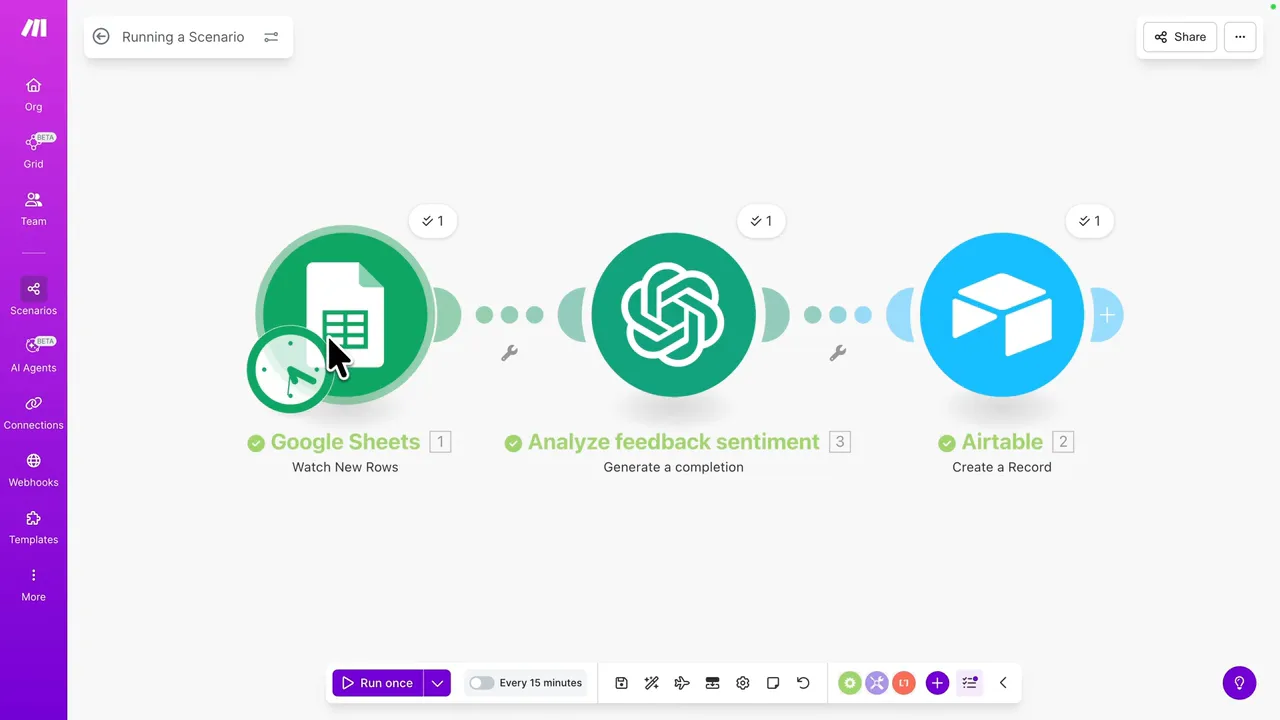
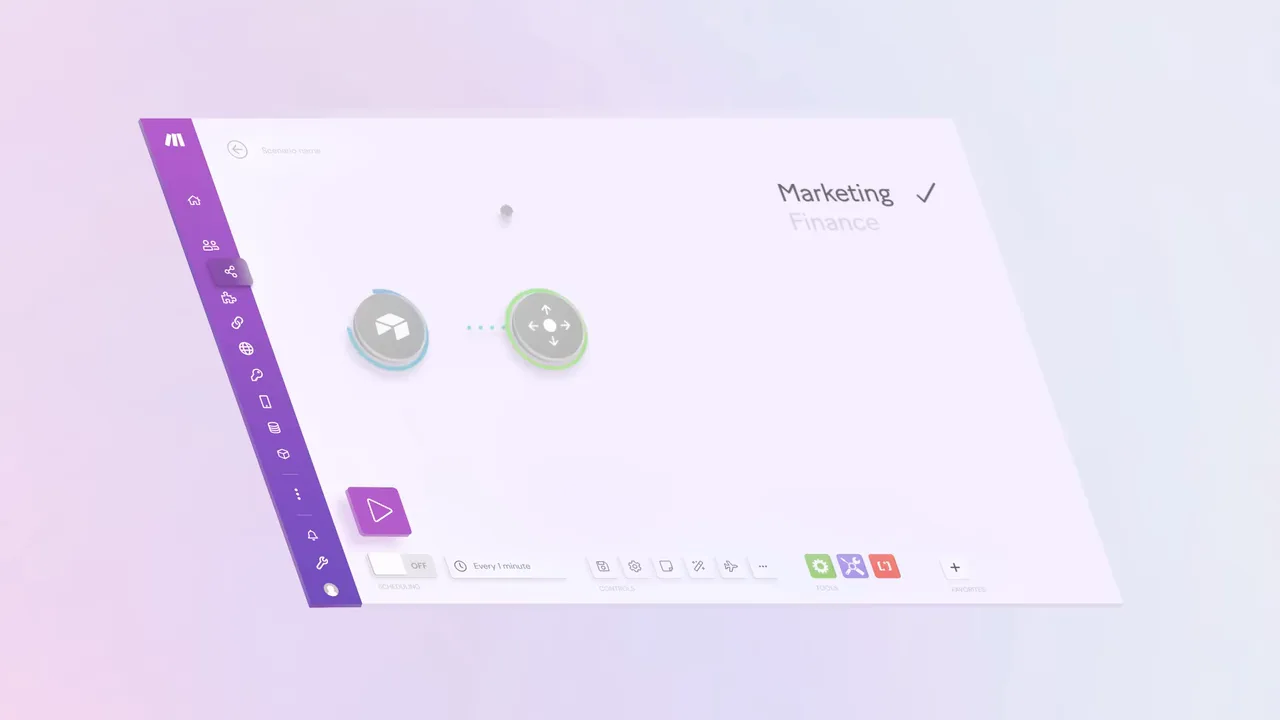
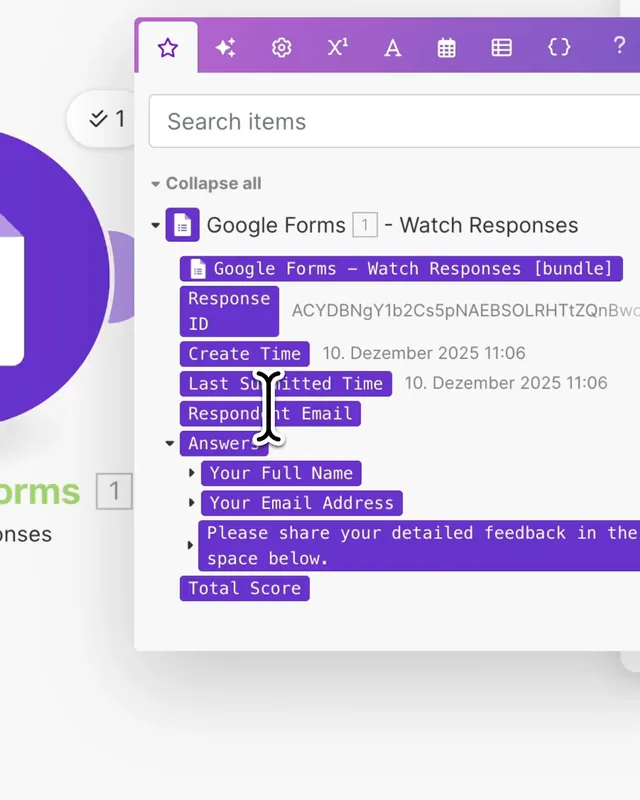
Scenario building in Make — connecting apps and mapping data, from Make's official overview.
Make handles
- Cross-app data synchronisation
- Multi-step automation workflows
- API integrations and webhooks
- Data transformation and routing
- Scheduled and triggered processes
- Error monitoring and alerting

Partner since
Make · 2023
Make · 2024
Make · 2024
Questions we hear a lot
Why buy Make through Omnitas instead of directly?
The subscription costs the same, and as an official reseller we can handle Enterprise provisioning, seats and invoicing for you. What you add is a team that has been building production scenarios since 2020 — including the error handling and monitoring most self-built automations skip.
What can Make actually connect?
Anything with an API. There are ready-made apps for over 3,000 tools — monday.com, Google Workspace, Slack, HubSpot, accounting systems — and for everything else we build the connection with HTTP modules and webhooks. If a system can send or receive data, Make can talk to it.
What happens when an automation fails?
Every scenario we deliver has error routes and alerting built in: failed records get caught, retried or parked for review, and you hear about it from a notification, not from a customer. That's the part most do-it-yourself setups are missing.
How long does it take to build?
A single integration is often live within days. A company-wide automation layer — dozens of scenarios with shared error handling — is a project of weeks, delivered piece by piece, with each piece working as it lands.
What does it cost?
Scenario builds are scoped and quoted up front. For ongoing needs there are two packaged options: Automation as a Service, a subscription that bundles the Make licence with build capacity, and our Managed Service, where we run and monitor everything for you.
Ready to See What Focused Expertise Looks Like?
Book a free consultation and we will show you how monday.com and Make can transform your operations.