
monday.com
Boards, automations, dashboards — we've been building client operations on monday.com since 2018.
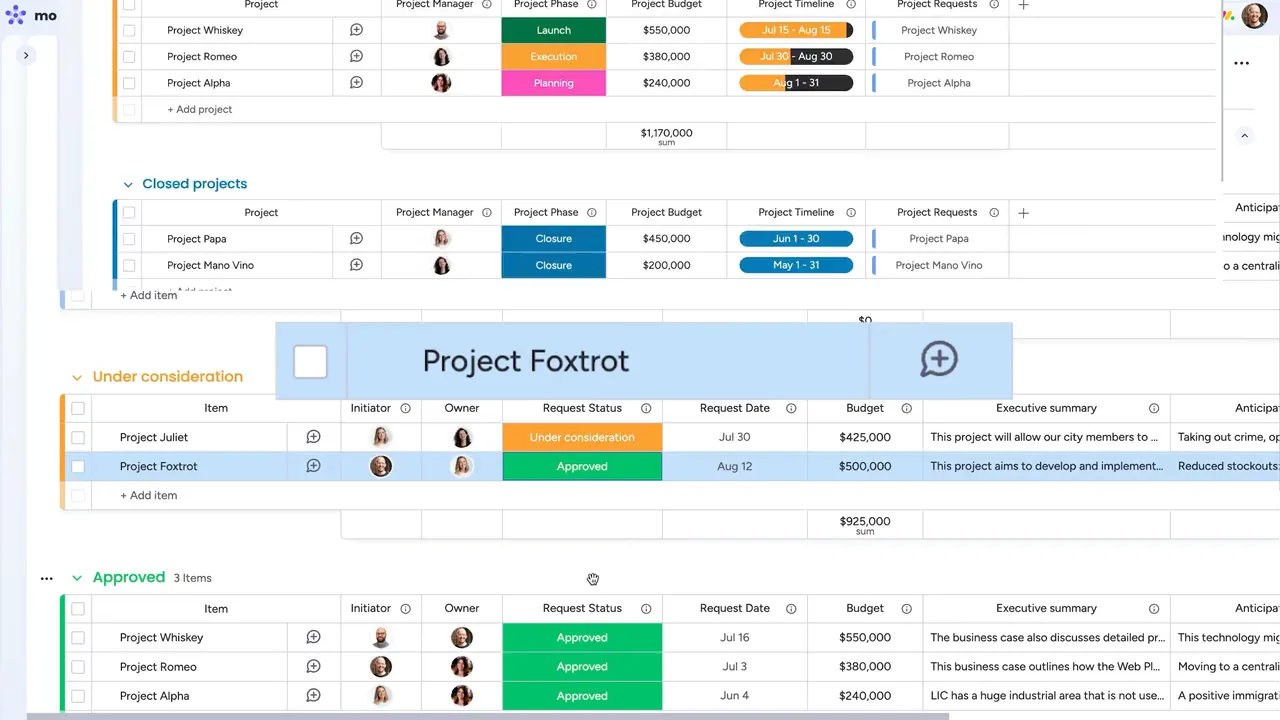
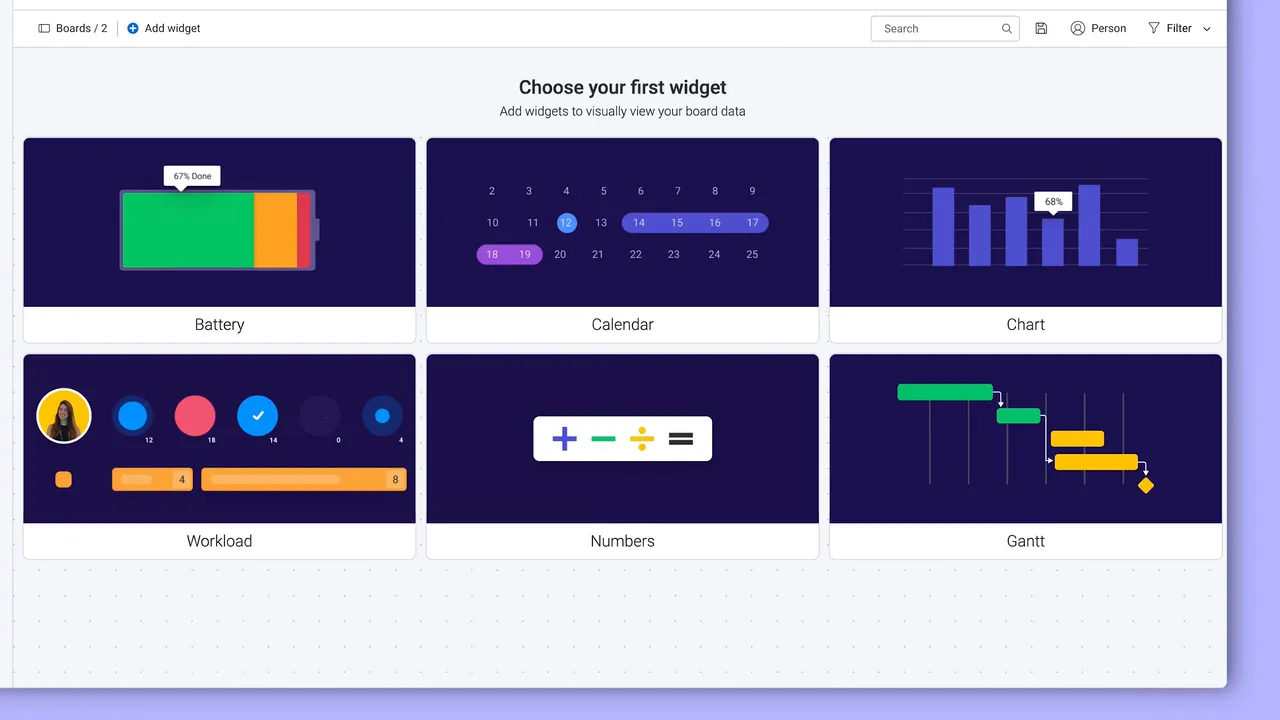
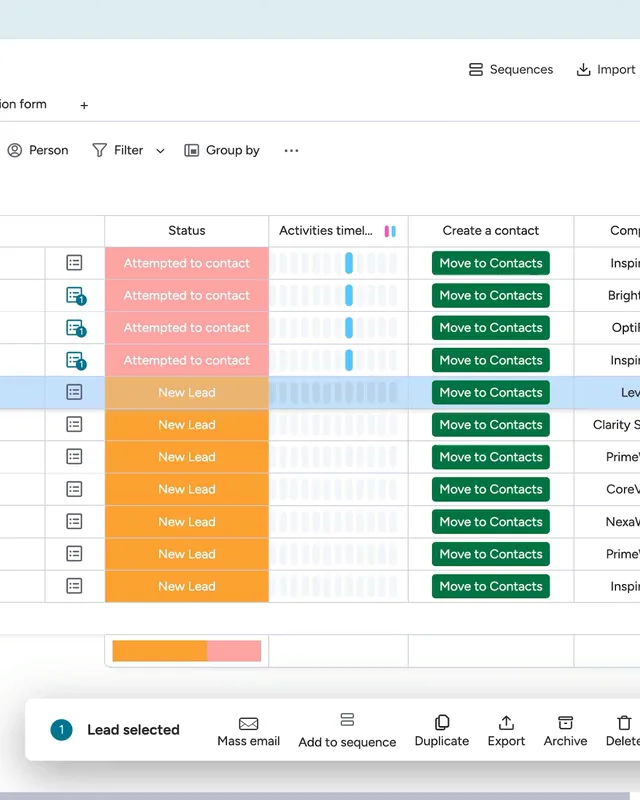
What we deliver
Why we chose monday.com
We chose monday.com in 2018 because it treated work management as a platform, not a rigid tool. Unlike competitors locked into one use case, monday.com lets us design workflows that match how a company actually operates. Eight years and 700+ implementations later, that bet has paid off.
monday.com is a Work OS that lets teams build and run workflows for any process: project management, CRM, dev pipelines, HR onboarding, and more. Its visual, no-code interface means teams adopt it fast, while its API and integrations let us extend it to fit complex enterprise needs.
See monday.com case studies- Workflow architecture and board designWe map how work actually moves through your teams, then build boards to match — not the other way around.
- Custom automations and formula columnsHandoffs, approvals, reminders, status changes: anything your team does the same way twice gets automated.
- CRM and sales pipeline implementationmonday CRM set up around your sales process — leads, quotes and follow-ups in one pipeline instead of scattered inboxes.
- Cross-departmental dashboards and reportingLive dashboards that pull from every team's boards, so status meetings stop being the reporting system.
- API integrations and custom appsWhen native integrations run out, we build custom apps and API connections that make monday.com talk to the rest of your stack.
- Enterprise rollout and change managementStaged rollouts, admin governance and training, so the system still works when it reaches a few hundred real users.
What is monday.com?
monday.com calls itself a Work OS — in practice, it's a platform where you build the tools your team runs its work in. Boards hold the work, automations move it between people, and dashboards show where everything stands.
It looks like a colourful spreadsheet on day one. That's the point — people actually use it. Today it runs in more than 200 industries, and most of its customers aren't tech companies.
What teams run on it
Projects & delivery
Plan, assign and track work in one place. Timelines, workloads and dependencies stay visible, so deadlines stop arriving as a surprise.
Sales & CRM
monday CRM covers the funnel from lead capture to closed deal — every contact, quote and follow-up logged where the whole team can see it.
Marketing
Campaign calendars, content pipelines and creative approvals — the coordination work that otherwise lives in email threads and status meetings.
HR & operations
Onboarding, recruitment pipelines, requests and approvals — the recurring processes every company runs, minus the spreadsheet sprawl.

What working in monday.com looks like
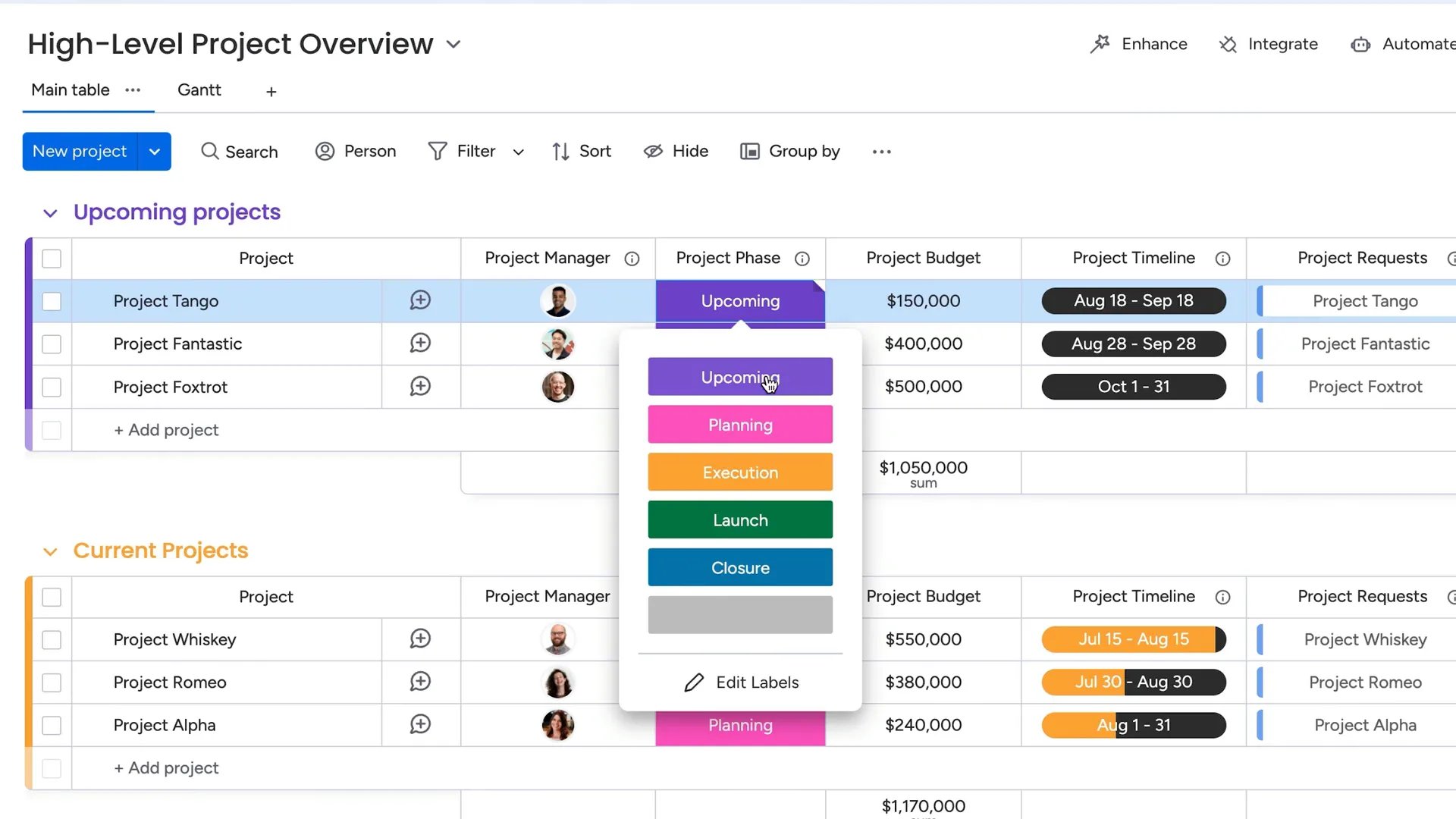
Boards, automations and dashboards — footage from monday.com's official product videos.
monday.com handles
- Project and task management
- Team collaboration and visibility
- CRM and client tracking
- Dashboards and reporting
- Resource planning and workloads
- Forms and intake processes

Partner since
monday.com · 2024
monday.com · 2024
monday.com · 2023
Questions we hear a lot
Why work with a partner instead of buying monday.com directly?
The licence costs the same either way — partners are paid by monday.com, not by you. What changes is everything around the licence: board architecture, automations, integrations and training from a team that has done this more than 700 times. Most companies that call us after a do-it-yourself start aren't building — they're rebuilding.
How long does an implementation take?
A focused setup for one team is usually live in two to four weeks. Company-wide rollouts with integrations and data migration tend to run two to three months. We deliver in stages, so your team is working in the system long before the project is formally done.
Can you migrate us from Excel, Trello, Asana or Jira?
Yes. We map your current structure to monday.com boards, move the data, and keep the old system available until you trust the new one. Spreadsheets are by far the most common starting point.
Do you train our team?
Always — a perfect setup nobody uses is a failed project. We train admins to own and extend the system, and end users on the parts they touch every day.
What does it cost?
Implementations are scoped and quoted up front, so you know the number before you commit. The monday.com licence is billed separately and costs the same as buying direct — tell us your team size and we'll help you pick the right plan and seat count.
Ready to See What Focused Expertise Looks Like?
Book a free consultation and we will show you how monday.com and Make can transform your operations.